Version 0.1.0
Dot.
Files
A dark Android file manager built around Nothing's dot-matrix design language. Browse, clean, preview, and restore — without the noise.
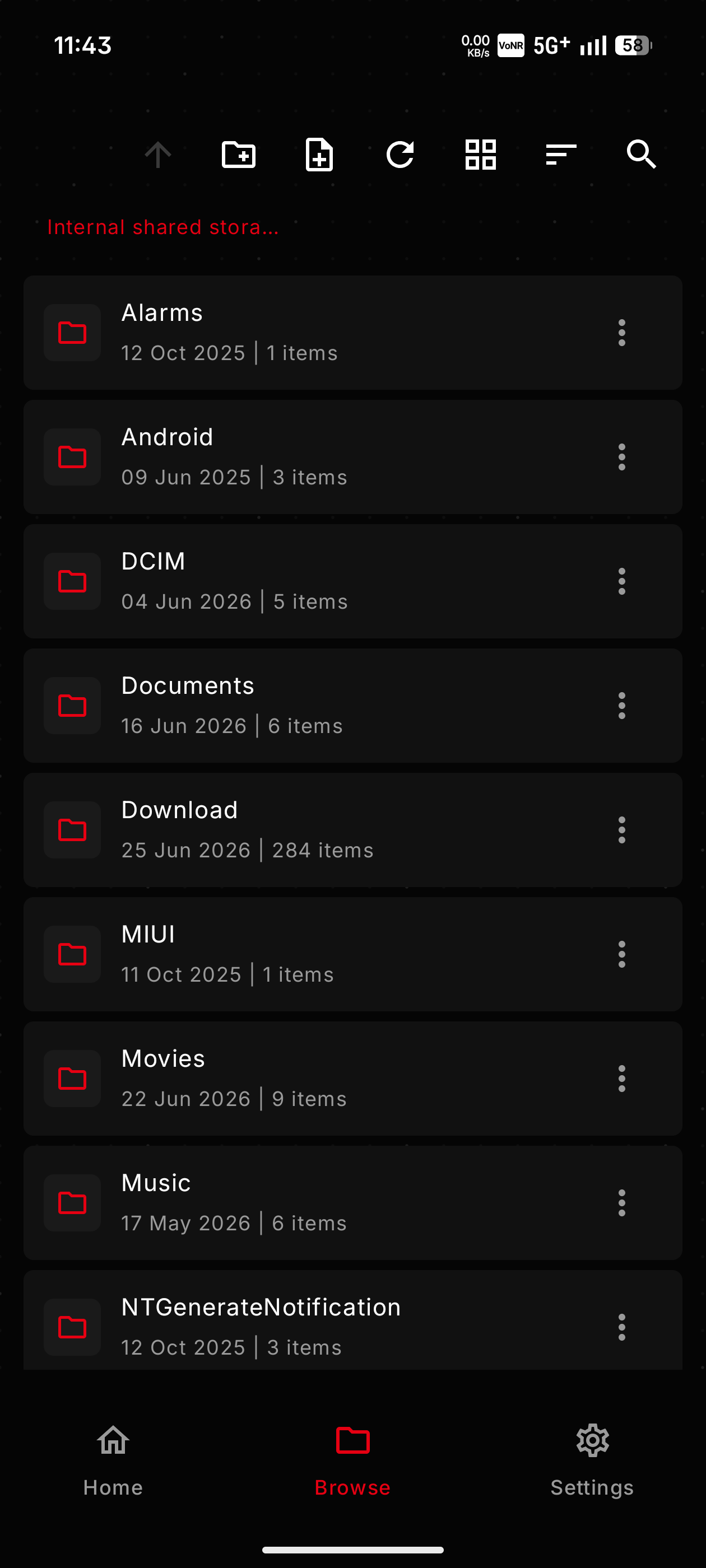
Browse
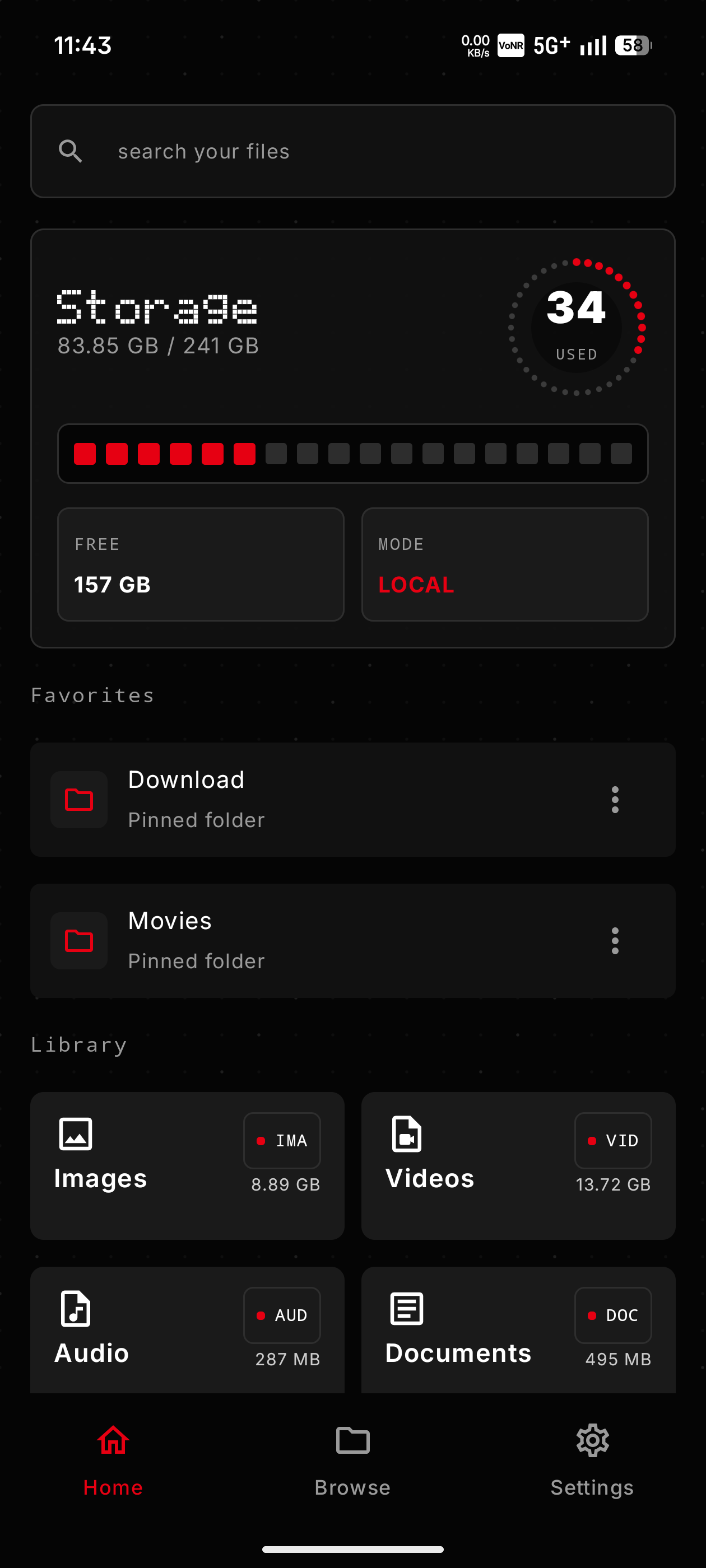
Home
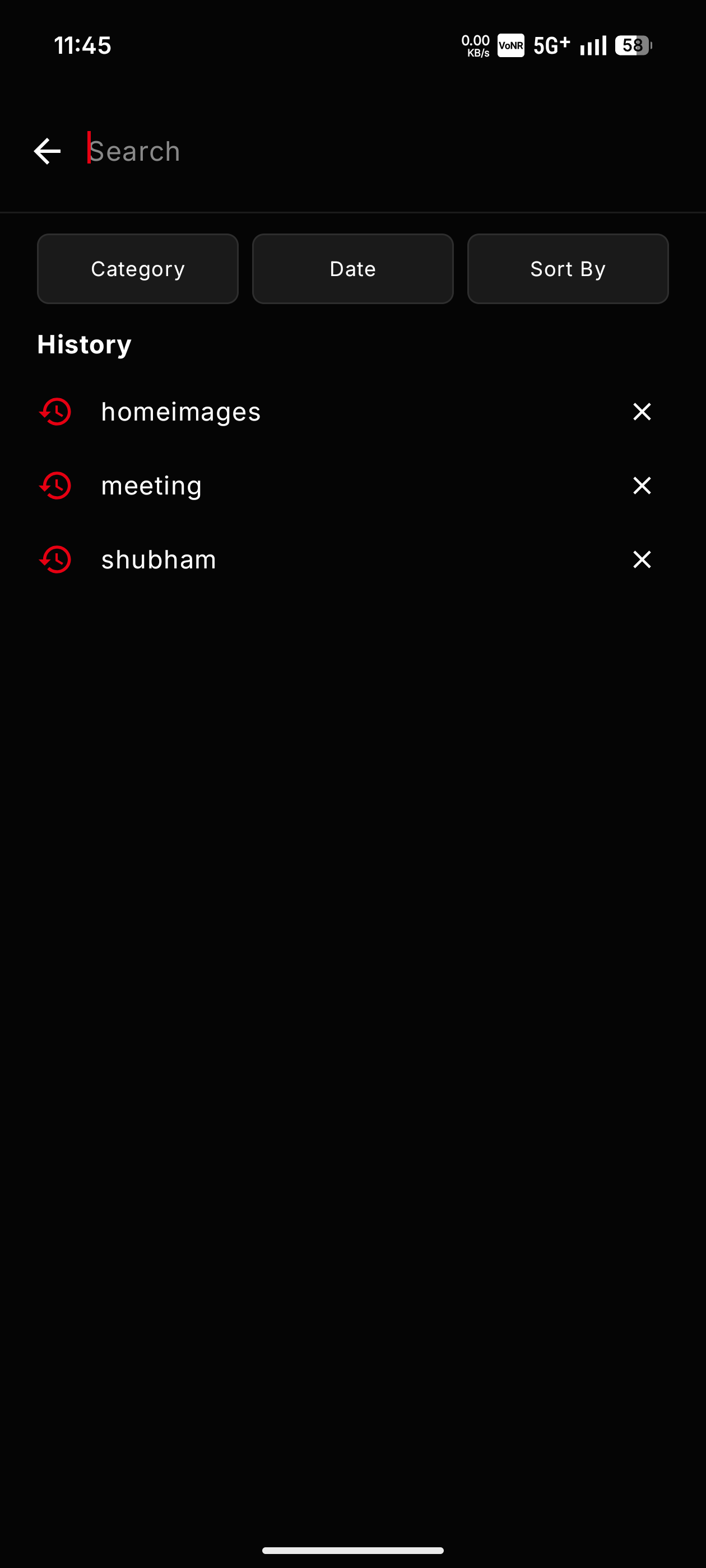
Search
A dark Android file manager built around Nothing's dot-matrix design language. Browse, clean, preview, and restore — without the noise.
Storage at a glance. Dot-ring usage gauge, LED progress strip, free/local status, pinned Favorites, and the category library — Images, Videos, Audio, Documents.
A dedicated full-screen search with instant results, saved history, and Category, Date, and Sort By filters. Find files and folders across all of storage.
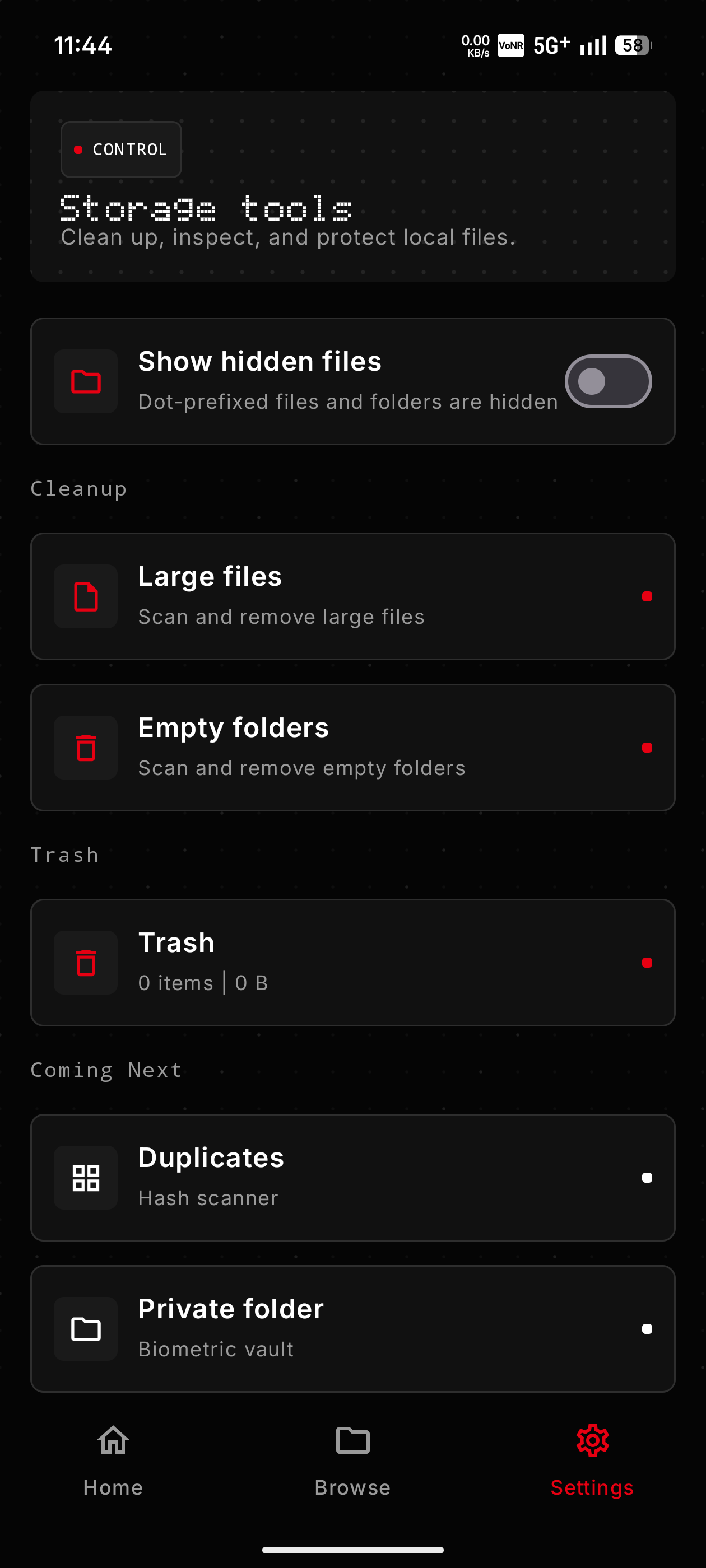
The CONTROL panel: show-hidden-files toggle, large-file scanner, empty-folder cleanup, and trash manager — with Duplicates and a Private folder coming next.
Navigate shared storage with breadcrumb nav, icon-only toolbar, list and grid views, sort, filter, and detailed file info.
Open, share, copy, move, rename, duplicate, and delete. Conflict-safe naming ensures nothing gets silently overwritten.
Batch select across Browse, Recent, and category views. Share, copy, move, or trash multiple files in one action.
Thumbnails for images and video in file actions and detail panels. See before you open.
Delete sends items to DotFiles trash with undo, per-item restore, bulk restore, and auto-dismiss controls.
Large-file scanner, empty-folder cleanup that respects .nomedia and hidden content, and a trash manager — all in the Control panel.
A dedicated full-screen search with instant quick results, saved history, and Category, Date, and Sort By filters across all of storage.
Pin folders to Home for one-tap access. Star and unstar from details or the action menu — your most-used places, always on top.
A persistent toggle reveals dot-prefixed files and folders across Browse, Search, Favorites, Recent, and category scans — hidden again in one tap.
Hash-based comparison to find exact duplicates across your storage. Group by content, not just name — then safely move the extras to Trash, never auto-delete.
A biometric- and PIN-locked vault that lives inside DotFiles. Hide photos, documents, and APKs from other apps — all on-device, no cloud.
A visual breakdown of what's eating your space — by folder, category, and file type. Jump straight from the biggest folders into Browse to clean up.
Rename many files at once with prefixes, sequence numbers, and find-and-replace patterns — with a live preview before anything is applied.
Compress selected files and folders into a ZIP, and extract ZIP archives in place — no third-party app or network round-trip required.
Install APK files straight from the APK category, details, or action menu — one tap from your downloads to a running app.
Tap the button to open the DotFiles listing on the Play Store, then hit Install.
Play handles the download and install automatically — no unknown-source warnings, and updates arrive on their own.
Launch DotFiles and grant all-files access for full manager mode, or selected-folder access for a narrower permission scope.